
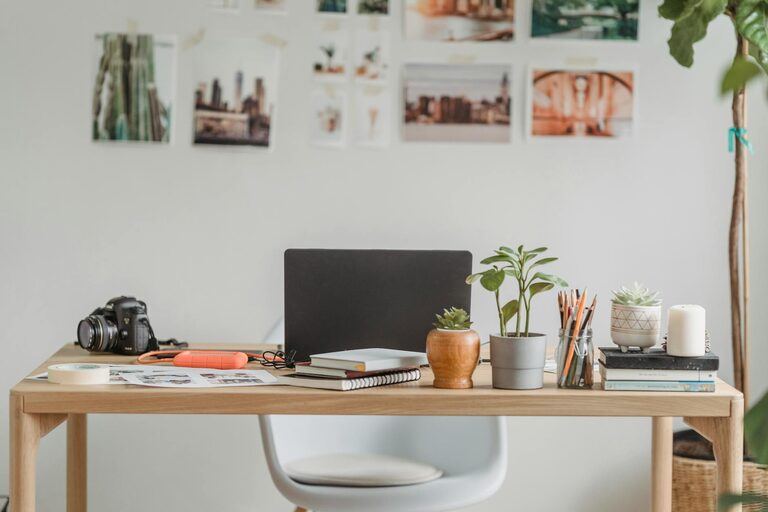
Creating an effective home workspace can transform your daily work routine. Whether you work remotely full-time or occasionally check emails and plan projects at home, organizing your workspace is essential for focus and productivity. This guide offers practical tips to help you design a functional and inspiring environment that supports your best work.
Why Organizing Your Home Workspace Matters
A well-organized workspace promotes concentration, reduces stress, and helps separate work from home life. Without clear boundaries and clutter-free surroundings, distractions multiply and motivation can wane.
Taking a little time to arrange your workspace thoughtfully pays off throughout your workday. You’ll find it easier to stay on task and maintain a professional mindset—even in your own home.
Choose the Right Location
Consider Natural Light and Quiet
Select a spot with good natural light if possible; it boosts mood and energy. Avoid areas with heavy foot traffic or noise to minimize distractions. Even a corner in a quiet room or a dedicated nook can work well.
Accessibility and Comfort
Your workspace should be easy to reach and comfortable for extended periods. Avoid working from couches or beds which can lead to poor posture and decreased focus.
Invest in an Ergonomic Setup
Quality Desk and Chair
Comfortable furniture supports productivity by preventing aches and fatigue. Look for:
– An adjustable chair with good lumbar support
– A desk at the right height to keep arms and wrists comfortable
Position Your Screen Properly
Place your monitor at eye level about an arm’s length away. This reduces neck strain and eye fatigue.
Organize Your Keyboard and Mouse
Keep them close and aligned with your body’s natural posture to prevent wrist strain.
Declutter to Designate Zones
Clear Your Desk Surface
Limit what you keep on your desk to essentials: computer, a notebook, and a few personal items. Store other items out of sight but within reach.
Use Storage Containers and Organizers
Drawer dividers, trays, and vertical file holders help keep papers and supplies organized. Label these if that helps you find things faster.
Set Up Zones for Different Tasks
If space allows, create small zones for writing, computer work, and phone calls. This helps mentally switch between activities.
Set Up Effective Lighting
Combine Natural and Artificial Lighting
Use a desk lamp with adjustable brightness to complement natural light, especially during early mornings or late evenings.
Choose Soft White or Daylight Bulbs
These reduce eye strain and help maintain alertness.
Minimize Distractions
Manage Noise
Consider noise-cancelling headphones or soft background music if silence feels distracting.
Limit Digital Interruptions
Turn off non-essential notifications on your computer and phone while working.
Add Personal Touches Wisely
Include a few elements that inspire you such as:
– A plant for a touch of nature
– Motivational quotes or artwork
– Photos of loved ones
Avoid cluttering your space with too many decorations that might distract.
Establish Daily Routines and Habits
Plan Your Workday
Use your organized workspace to create a consistent schedule. Start with a quick tidy-up to maintain a clean environment.
Take Breaks Away from Your Desk
Stepping away helps refresh your mind and reduces eye strain.
Keep a To-Do List or Planner Visible
Checking off tasks encourages progress and keeps you focused.
Maintain Your Workspace Regularly
Set aside time weekly to reorganize and clear clutter. Regular maintenance prevents mess from building up and preserves a productive atmosphere.
Final Thoughts
A productive home workspace doesn’t require a big budget or extra square footage. With simple adjustments and mindful organization, you can create a comfortable, efficient environment that supports your work goals. Start small with one or two changes and build habits that keep your space inviting and focused throughout the workweek. Your productivity—and your peace of mind—will thank you.